Download from your phone
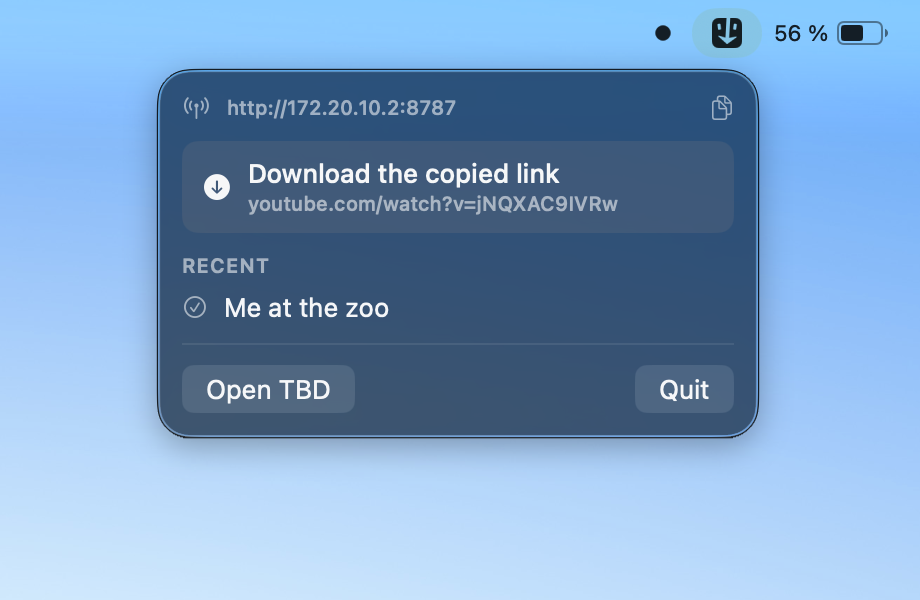
Scan the QR code to open {name} on your phone, over your own local network. Paste a link there and the file downloads on your phone, over your Mac.
Paste a link, get your file. Fast, native, and free forever.
Install with Homebrew
brew install --cask eliorpom-cmd/tap/to-be-downloadedPaste it in Terminal and press return.
Download the DMG
Open it and drag the app into your Applications folder.
Download39 MB — macOS 13 or later, Apple Silicon
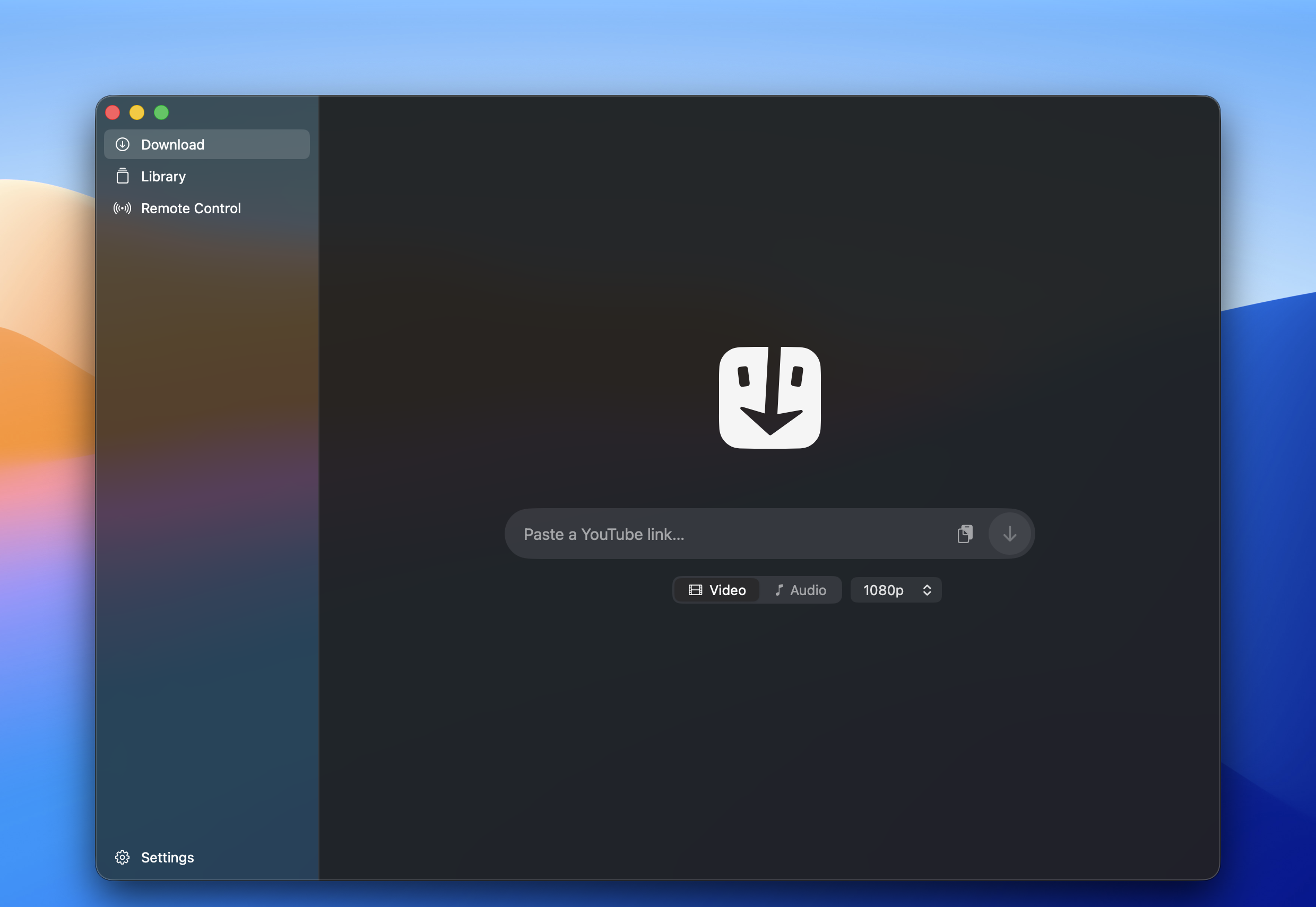
It opens instantly, sits in the menu bar, follows your system theme, and a finished file can be dragged straight into your editor. It's written in Swift, not a web page in a wrapper.
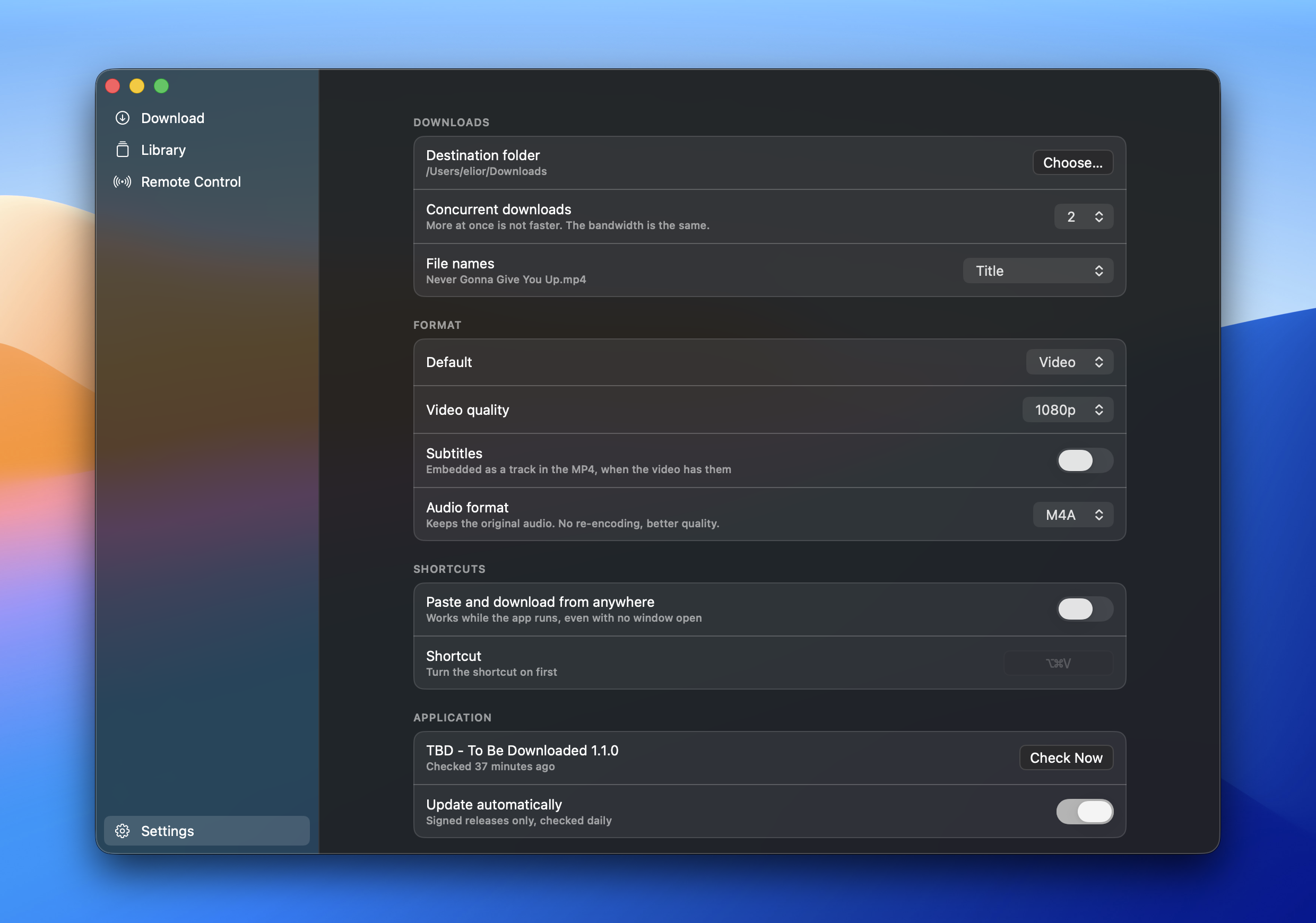
The app downloads straight from YouTube to your disk. There is no account and no server in between: the settings window below is the whole of it, and there is nothing in it to sign in to.
| An online downloader | TBD | |
|---|---|---|
| Where it runs | Someone else's server | Your Mac |
| What it costs | Ads or a subscription | Free forever |
| Quality you get | Whatever they'll give you | Every format YouTube offers |
| Download speed | Their bandwidth, shared | Your own connection |
The download runs on your Mac, so there are no servers to pay for. No account, no trial, and no paid tier planned.
The source code is on GitHub, so you can check for yourself what the app does with your links.

I edit video, and most weeks I need something from YouTube: a sound effect, some music, a clip... And I like to have a few things to watch on a plane.
Download websites made me sit through an ad and a countdown, then handed me whatever quality they wanted to give me. Rarely the one I asked for.
yt-dlp does all of it properly, but it's a command line tool. Every download meant opening a terminal and remembering the flags.
So I built TBD.
Elior
One command, and the app is in your Applications folder.
Install with Homebrew
brew install --cask eliorpom-cmd/tap/to-be-downloadedPaste it in Terminal and press return.
Download the DMG
Open it and drag the app into your Applications folder.
Download39 MB — macOS 13 or later, Apple Silicon
Nothing, and that won't change. There's a Ko-fi link in the app if it saves you time and you want to support me.
macOS 13 Ventura or later, Apple Silicon. It isn't on the App Store, so it installs with one Homebrew command, or from a .dmg if you would rather not use Terminal.
Currently focused purely on YouTube to ensure maximum reliability. Support for other platforms is planned.
No. yt-dlp ships inside the app, and FFmpeg is fetched once on first launch, around 56 MB, with the app telling you while it happens. Nothing to set up in a terminal, nothing to keep updated by hand.
Yes. yt-dlp is the best downloader available, and it's a command line tool. This is the interface it doesn't have, plus a library, a queue, and a way to drive it from your phone.
It checks for its own updates and for download engine updates, then installs them in the background. Both can be turned off in settings, and updating through Homebrew works too.
Not by the app: no account, no telemetry, no analytics, and nothing sent anywhere. Your library and your settings stay in your own Application Support folder. This website is the one place with any measurement at all, a cookieless page count that identifies nobody.
Anything else, ask on Instagram.
Supporters
Apple wants 99$ a year to let me sign my apps, so I split the bill.
Each month was 9$, and all twelve are taken. The names are here and in the readme.
The account is covered for the year. Nothing left to lock, and nothing to buy on this page.
September 2026
@madscientist_chOctober 2026
@minimejer05November 2026
@_sleepypantherDecember 2026
@minimejer05January 2027
@_sleepypantherFebruary 2027
@_sleepypantherMarch 2027
@_sleepypantherApril 2027
@_sleepypantherMay 2027
@_sleepypantherJune 2027
@ljyjeffreyJuly 2027
@ljyjeffreyAugust 2027
@_sleepypantherAll 12 months are taken. The year is paid.
Less than 9$ works too, it just doesnt take a month. Your name goes in the credits.
12 x 9 is 108 and not 99, the extra pays the payment fees.